

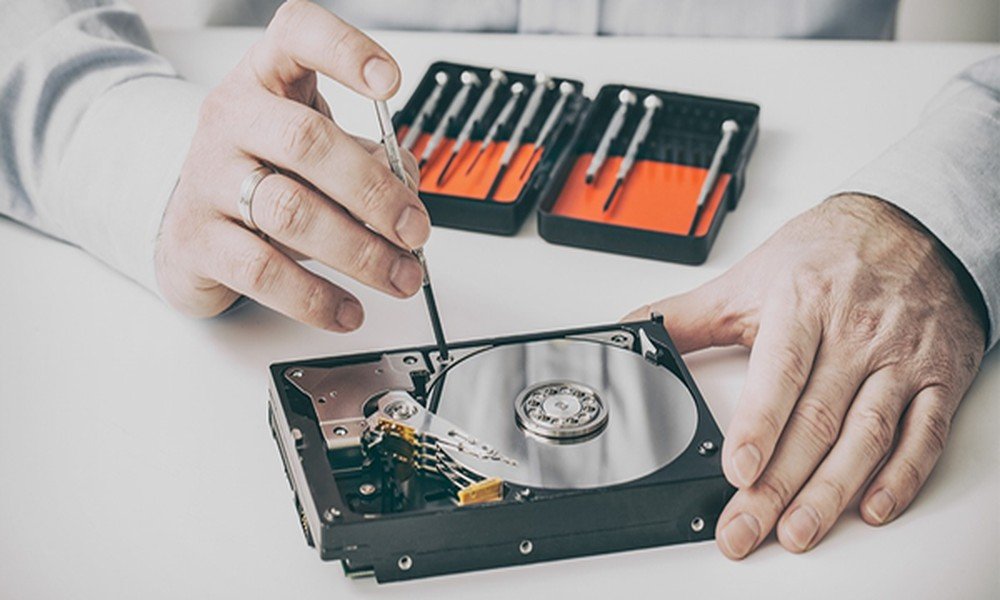
Hard drives are highly valuable storage solutions that let you secure your work files and personal data. But, like other technologies, hard drives may fail at any time. Whether it is your new SSD or a traditional spinning HDD, you must be aware of common issues. Read the blog to know about the data loss issues. You will also learn the tricks for data recovery from hard drive.
Mechanical failure
Traditional hard drives often experience mechanical failure due to their moving parts, such as read/write heads and spinning disks. These components misalign or get naturally damaged over time. This will cause the drive to stop working. Frequent crashes or strange clicking are the signs of mechanical failure. To avoid losing data in this situation, maintain data backups regularly.
Bad sectors
A few portions of your drive may get corrupted or become unreadable. It happens due to the file system corruption, physical damage, and wear or tear. Bad sectors prevent your files from being written. Slow file access and file corruption are signs of bad sectors.
But, how will you recover the data if your hard drive has bad sectors? PandaOffice Drecov data recovery software is a safe and effective solution for restoring your files. It takes a few clicks to recover files from the damaged sectors.
Drive not detected
The problem occurs when your PC cannot identify the hard drive. A loose connection, physical damage, or failure in the firmware can lead to drive issues. The drive does not appear in the File Explorer of the Windows PC.
You have to update the drivers to solve detection issues. Use a data recovery tool if you cannot find your files in the drive.
Corrupted file system
When your drive’s data structure gets damaged, it leads to a corrupted file system. It may happen due to virus attacks, improper shutdowns, and power surges. You will find error messages when this problem occurs.
Conclusion
There are different factors causing damage to the hard drive. If you have lost data due to a corrupted or damaged drive, data recovery software is the best solution. Make sure you regularly back up your files.